
Install Mafia Gun on your phone like an app (iPhone and Android)
No store needed: two taps and Mafia Gun sits on your home screen, opening full screen and fast.
Mafia Gun runs in your browser, but once you add it to your home screen it behaves like a real app: it gets its own icon, opens full screen and the address bar disappears.
In this article:
- ●iPhone and iPad (Safari)
- ●Android (Chrome)
- ●Computer
- ●Will I lose my progress?

iPhone and iPad (Safari)
- ●Open mafiagun.com in Safari
- ●Tap the Share button at the bottom (the square with an up arrow)
- ●Choose Add to Home Screen
- ●Tap Add in the top right
Android (Chrome)
- ●Open mafiagun.com in Chrome
- ●Tap the ⋮ menu in the top right
- ●Choose Install app or Add to Home screen
- ●Confirm
Computer
In Chrome or Edge, click the install icon on the right of the address bar and Mafia Gun opens in its own window.
Will I lose my progress?
If you play without an account, your progress is tied to that device. Tap the orange TheyVoice ID button in the menu and choose Save account in Settings: save it with your e-mail or Google and pick up where you left off on another phone or computer. See the TheyVoice ID guide.
See you on the streets, The Mafia Gun Team
Related game
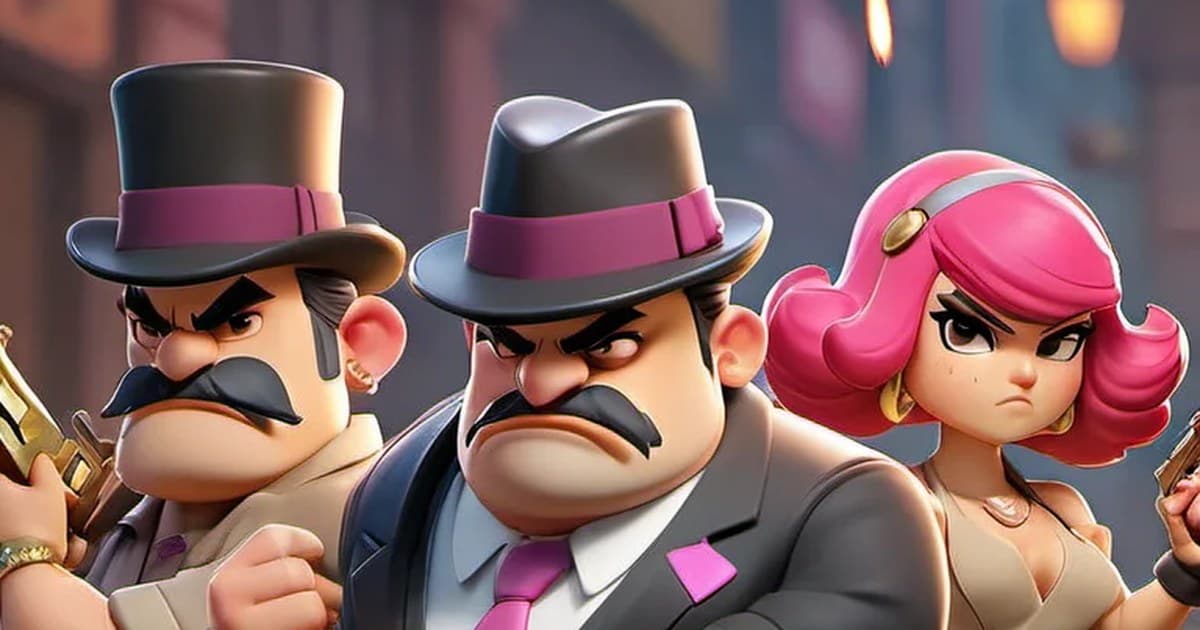
Mafia Gun
Mafia-themed, real-time 1v1 card and building battles.